Create your own website
Not every website needs a backend server or a database. A static website is a collection of fixed HTML, CSS, and image files that are delivered to the visitor exactly as they are stored. In this lesson you'll learn what static websites can do, see real-world examples, understand how they differ from web applications, and discover how agentic AI coding tools can help you build one.
What is a static website?
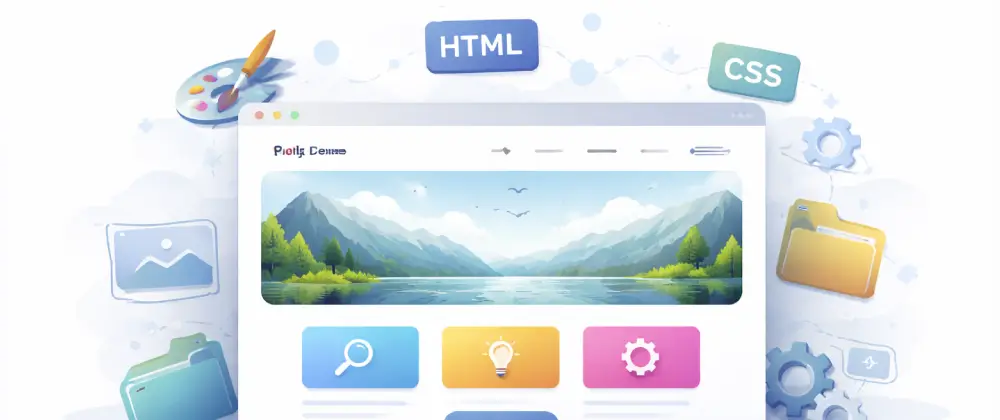
A static website is made up of pre-built files — HTML for structure, CSS for styling, and images or other media. When someone visits a page, the server simply sends those files to the browser. There is no database query, no server-side logic, and no content generated on the fly.
Think of it like a printed brochure: the content is prepared in advance and every visitor sees the same thing. This makes static sites fast, secure, and inexpensive to host.
Because there is no backend processing, static sites can be served from a CDN (Content Delivery Network) — a network of servers around the world — so visitors load the nearest copy in milliseconds.
What can a static website do?
Static doesn't mean boring. Modern static sites can be highly interactive and visually impressive. Here's what you can build:
- • Personal portfolio — showcase your work, skills, and contact info to potential employers or clients.
- • Small business page — present your bakery, salon, tutoring service, or any business with a professional online presence.
- • Blog — publish articles, recipes, travel stories, or any content you're passionate about.
- • Event page — promote a wedding, quinceañera, community fundraiser, or local meetup with schedules and RSVP links.
- • Online résumé or CV — a polished, always-available page you can share with anyone.
- • Club or community page — share news, schedules, and photos for a sports team, school club, or neighborhood group.
Static sites can also include JavaScript for animations, interactive menus, image galleries, contact forms (via third-party services), and more. The key distinction is that the HTML files exist before any visitor requests them.
Real-world examples
You encounter static websites every day, even if you don't realize it. Here are some well-known examples:
🏢 Company and brand pages
Many well-known brands use static sites for their homepages and product launches. They load instantly and rank well in search engines.
📚 Nonprofit and community sites
Organizations like "charity: water" use simple static pages to share their mission, events, and donation links.
👤 Personal blogs and creative portfolios
Writers, photographers, artists, and musicians maintain static sites to showcase their work and attract new opportunities — without paying for expensive hosting.
🍽️ Restaurants and local businesses
A restaurant's menu, a hair salon's price list, or a gym's class schedule — all perfect candidates for a fast, simple static site that anyone can find on Google.
Static website vs. web application
A static website serves the same files to every visitor. A web application, on the other hand, runs code on a server to generate content dynamically — think user logins, dashboards, shopping carts, or social feeds.
📄 Static website
- ✓ Pre-built HTML/CSS/JS files
- ✓ Same content for every visitor
- ✓ No database or backend server required
- ✓ Fast, cheap, and easy to host
⚙️ Web application
- ✓ Server generates pages on each request
- ✓ Content varies per user (logins, data)
- ✓ Requires backend, database, and deployment pipeline
- ✓ More complex but far more powerful
If your project needs user accounts, real-time data, or server-side processing, you need a web application.
Want to learn more?
Read our Elements of a web application lesson to understand the frontend, backend, and storage layers that power web apps.
Building a static site with agentic coding
One of the most exciting developments in software is agentic AI coding — tools like GitHub Copilot's agent mode, Cursor, and Windsurf that can write, edit, and organize code for you based on natural-language instructions.
Agentic coding is especially powerful for static websites because the entire project is just files: HTML pages, CSS stylesheets, and JavaScript. You can describe what you want and the AI builds it.
Here's what an agentic coding tool can do for your static site:
- 🤖 Generate a complete page layout from a description ("Create a portfolio site with a hero section, project cards, and a contact form").
- 📱 Write responsive CSS so the site looks great on phones, tablets, and desktops.
- ✨ Add interactive JavaScript — image carousels, scroll animations, dark-mode toggles.
- 🔧 Reorganize your project as it grows — moving pages, renaming files, and keeping everything tidy.
- 🐛 Fix bugs and accessibility issues when you describe the problem.
In the Antigravity codelab you'll set up Google's agentic coding tool (Gemini) and experience this workflow firsthand.
The one thing AI can't do (yet): generate images
Agentic coding tools are great at generating code, but they cannot create images. When your site needs photos, illustrations, icons, or logos, you need to source them yourself.
Here's the recommended workflow:
- 1
Find images on the internet
Use free image sites like Unsplash, Pexels, or Pixabay, or create your own graphics. Make sure you have the right to use any image you download.
- 2
Download them to your computer
Save the files in common formats like .png, .jpg, or .webp.
- 3
Add them to your project in the IDE
Drag the image files into your project folder (for example, an images/ directory) so the coding agent can see them in the file tree.
- 4
Tell the agent to use them
Once the images are in the project, you can instruct the AI: "Use hero.jpg as the background for the hero section" and it will write the correct HTML and CSS.
By keeping images inside your project directory, the agentic coding tool can reference them by path, set alt text, adjust sizing, and integrate them into the layout — it just can't generate the pixels themselves.
Get started: build & host your static site
Now that you understand what a static website is and how agentic coding can help you build one, it's time to put it into practice. Follow these codelabs in order to go from zero to a live website hosted on GitHub Pages:
Recommended codelab order
Complete these codelabs in sequence to build and publish your own static website:
- 1. Getting started with Google Antigravity — Set up agentic coding with Gemini so you have an AI assistant to help you build your site.
- 2. Getting started with GitHub — Create a GitHub account and learn to manage your code with version control.
- 3. Use GitHub Pages to host a static website — Publish your static site to the web for free using GitHub Pages.
After completing these three codelabs you'll have a live website at a URL you can share with anyone. From there, you can keep editing your site with the help of your agentic coding assistant — updating content, adding pages, and refining the design.