Codelabs
Step-by-step guides that explain concepts as you go and leave you with a working result.
Getting started with Google Antigravity
Install Google Antigravity, the AI-powered IDE, and take a quick tour of its features.
Getting started with GitHub
Create a GitHub account, install Git, and set up the GitHub CLI.
Getting started with Node.js & npm
Install Node.js, learn npm, explore the package registry, and use libraries in your projects.
Use GitHub Pages to host a static website
Deploy a free static website on GitHub Pages — perfect for portfolios, docs, and landing pages.
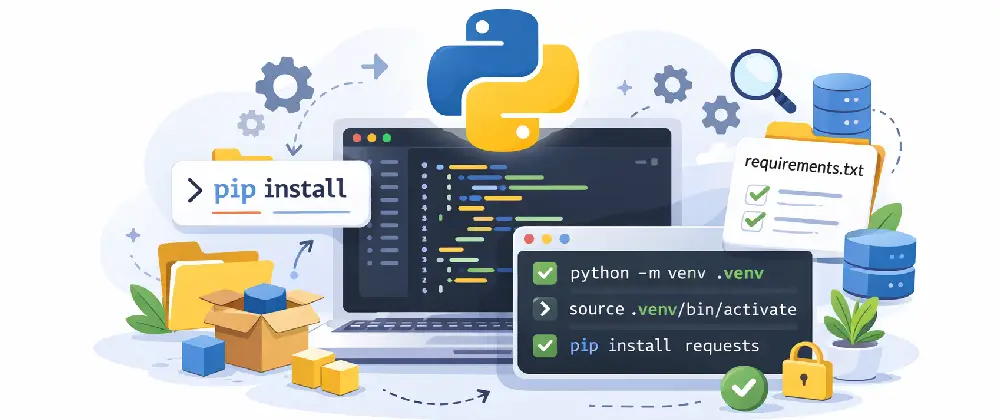
Getting started with Python
Install Python, learn pip & virtual environments, and write your first program.
Deploy web apps with Vercel
Create a Vercel account, deploy a project from GitHub, and learn about free URLs and custom domains.
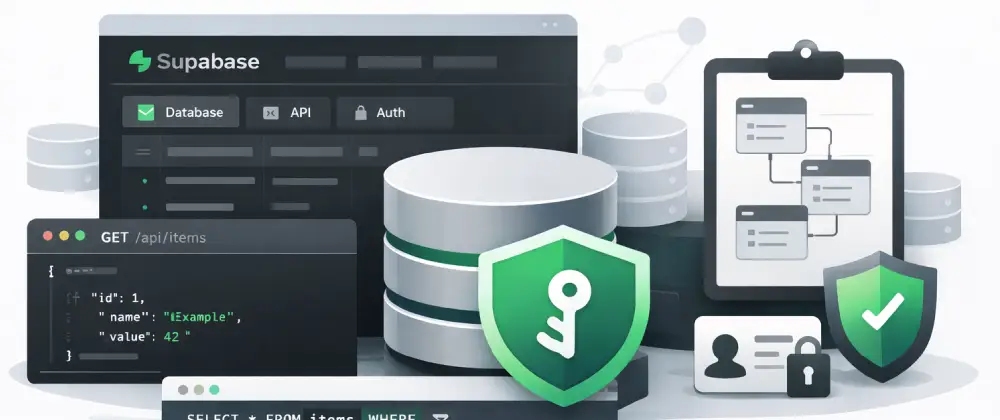
Getting started with Supabase
Create a Supabase project, design your data model, query data with the REST API, and set up authentication.
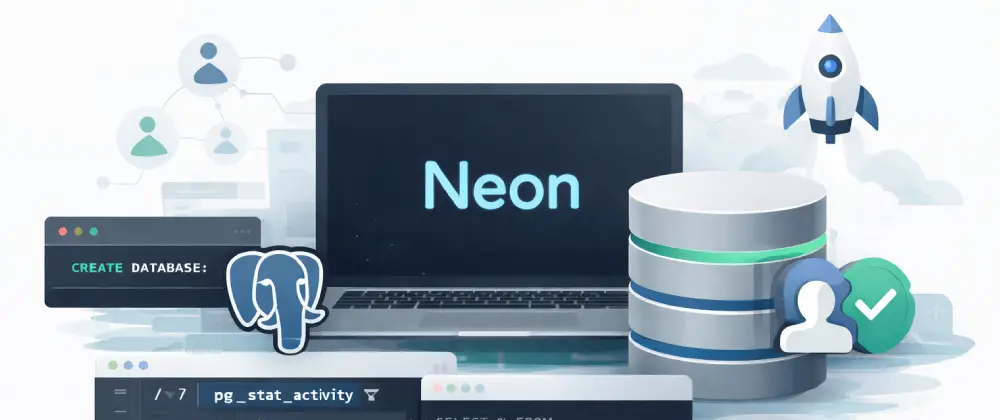
Getting started with Neon
Create a Neon serverless PostgreSQL project, design your data model, connect from Node.js and Python, and learn branching.
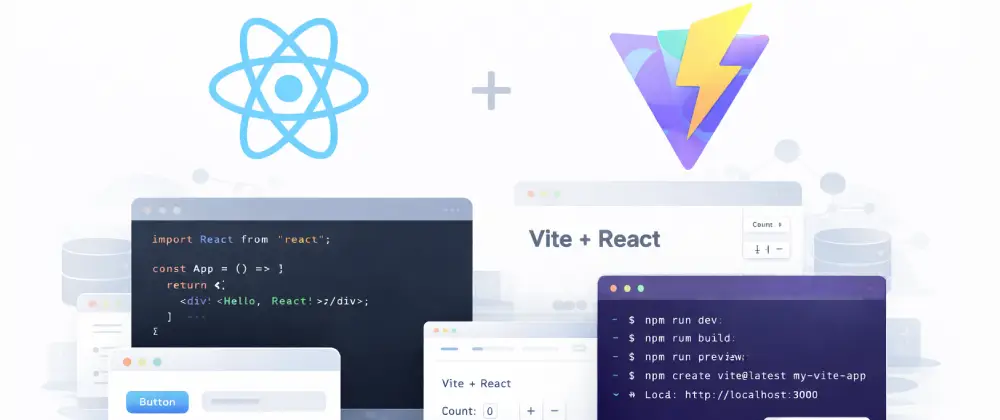
Build a React app with Vite
Create a React application using Vite, build components with state and props, push to GitHub, and deploy to Vercel.
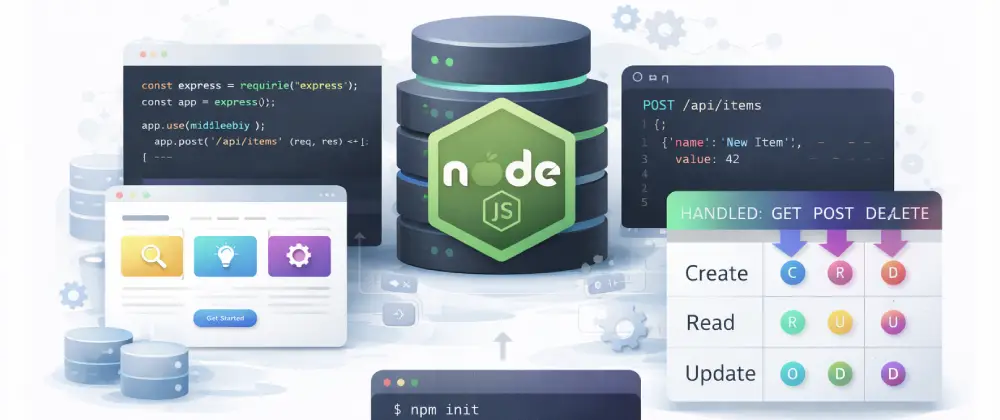
Build a backend API with Node.js
Create a REST API with Express, learn routes, HTTP methods, middleware, and build a full CRUD backend.
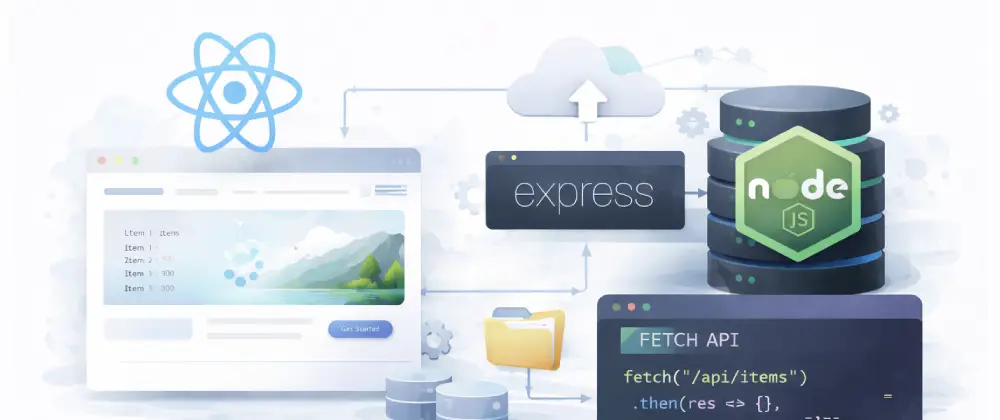
Connect frontend to backend
Wire a React frontend to an Express backend using the Fetch API, learn CORS, error handling, and environment variables.
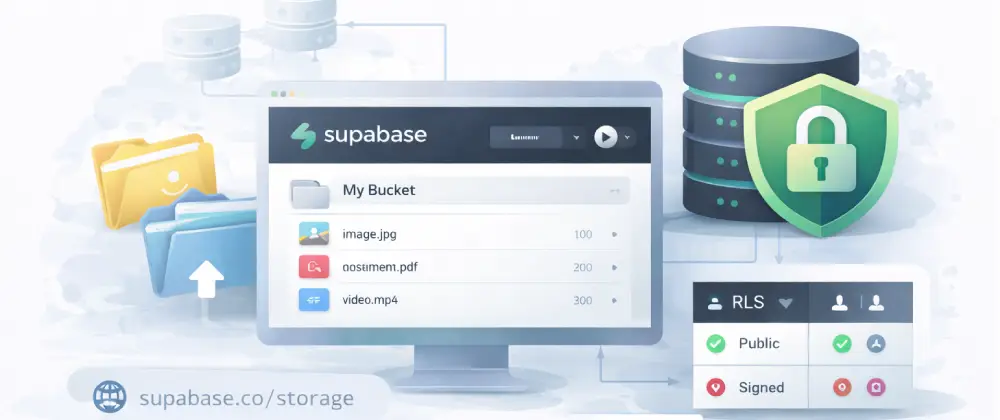
File storage with Supabase Storage
Create buckets, upload and download files, generate public and signed URLs, and secure storage with RLS policies.
Setting up VS Code with Cline
Install Visual Studio Code, add the Cline AI coding assistant, connect a model provider, and run your first AI-assisted task.
What is a codelab?
A codelab is a self-paced, step-by-step tutorial designed to teach you a specific technology or skill. Unlike traditional courses or lectures, codelabs are hands-on — you follow along on your own computer and build something real as you learn.
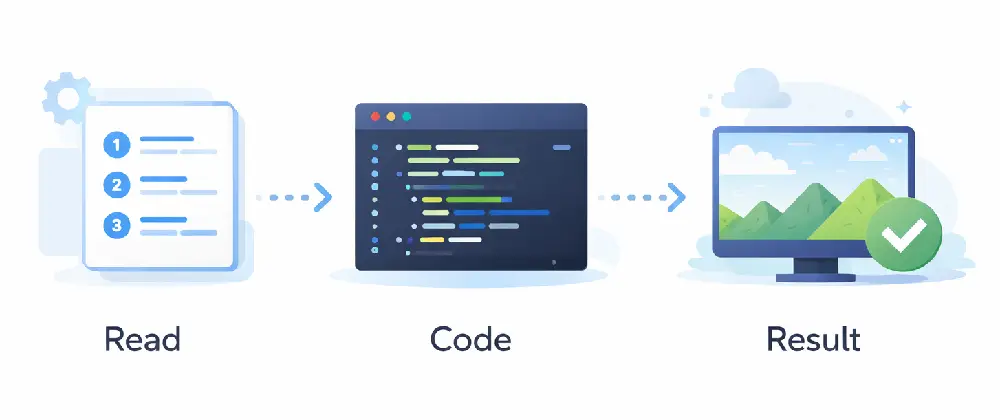
Step-by-step
Each codelab breaks a topic into clear, numbered steps. You follow them in order and see results at every stage — no guesswork.
Concepts explained
We don't just tell you what to type — we explain why. Every step includes context so you understand the concepts behind the commands.
Real results
By the end, you'll have something working — a configured tool, a deployed website, or a running program — that you built yourself.
Beginner-friendly
No prior experience required for most codelabs. We start from zero and guide you through everything, including installation.
Have ideas for a new codelab or ways to improve an existing one? We'd love to hear from you — use the feedback form at the bottom of any codelab.